The new phone is in your cart. Your kids have already written “new console” at the top of their wish lists. And somewhere in a kitchen drawer, there’s a perfectly good iPad nobody has touched since last spring.
Sound familiar?
The holidays are when a lot of us upgrade our tech. They’re also when last year’s devices quietly pile up around the house, still working, still worth something, and doing nothing.
At Lincoln Pawn in Anaheim, CA, we help Southern California residents put those devices to work. You can sell them, pawn them for a short-term loan, or trade them toward something newer.
Before you do any of that, though, a little preparation can go a long way.
What should I do before I sell or trade in my old phone or console?
Is My Old Phone or Console Still Worth Anything?
Technology moves fast. A device that felt cutting-edge two years ago may now be “last year’s model.”
That doesn’t mean it’s worthless. Plenty of people are happy to buy a quality pre-owned phone, tablet, or game console instead of paying full retail price. That demand is what gives your older devices value.
In general, value may depend on things like:
- The make, model, and storage size
- The overall condition, including screens and cases
- Whether the device works properly
- Whether it comes with its charger, cables, or controllers
The longer a device sits unused, the more models come out after it. If you already know you won’t use it again, it often makes sense to act sooner rather than later.
Step One: Back Up Everything
Your phone or tablet is probably holding years of photos, messages, contacts, and notes. Before that device leaves your hands, make sure all of it is saved somewhere else.
For iPhones and iPads, that usually means a cloud backup or a backup to a computer. For Android phones, most models can back up to your account as well.
Take a minute to confirm your backup actually finished. It’s much easier to check now than to discover something missing later.
Step Two: Sign Out and Turn Off Tracking
This is the step people most often forget, and it matters.
On an iPhone or iPad, go into your settings and turn off Find My before you do anything else. Then sign out of your Apple ID. If a device is still linked to your account, the next owner may not be able to set it up at all.
On an Android phone, remove your Google account and any other accounts from the device before you reset it.
On a game console, sign out of your PlayStation or Xbox account. If the console was set as your primary or home console, it’s a good idea to change that setting first, so your games and subscriptions stay tied to you and not to a box you no longer own.
If you aren’t sure how to do any of this, your device maker’s support site generally has step-by-step instructions.
Step Three: Erase and Reset
Once your data is backed up and your accounts are removed, you can perform a full factory reset. This erases your personal information and returns the device to the condition it was in out of the box.
Don’t forget:
- Remove your SIM card from your phone
- Remove any memory cards from tablets, cameras, or consoles
- Delete saved Wi-Fi passwords and payment methods, if the reset doesn’t do it for you
A properly reset device protects your privacy and makes the next step smoother.
Step Four: Gather the Extras
Accessories can make a real difference in how complete your device is.
Before you head out, look for:
- Chargers and cables
- Game controllers
- Original boxes, if you still have them
- Cases or covers in good shape
A device with its accessories is generally more appealing to the next buyer than one without. Even if you can’t find everything, bring what you have.

Don’t Forget Microphones, Laptops, Speakers, and Stereos
Phones and consoles get most of the attention, but laptops and home audio deserve the same care.
Laptops and computers. Back up your files to an external drive or cloud account. Sign out of your email, cloud storage, browsers, and any software you’ve paid for. Some programs need to be deactivated on that computer before you can use them on a new one. Then use the built-in reset option to erase the drive.
Bring the power cord. A laptop without its charger is hard to test. If you have the original charger, bring it along.
Speakers and stereos. Make sure everything powers on and plays. Gather remotes, power cables, and speaker wire. If a speaker was paired with your phone over Bluetooth, unpair it so the next owner can connect their own device.
Note what doesn’t work. A sticky button or a dead pixel doesn’t always mean a device has no value. It’s better to mention it up front than to have it come as a surprise.
A few minutes of preparation for each device can make the whole visit easier.
Should You Sell, Pawn, or Trade Your Old Electronics?
At Lincoln Pawn, you have more than one way to use your old electronics.
Sell it. If you’re done with a device for good, selling gives you cash and clears out the drawer.
Pawn it. If you need short-term cash but want the device back later, a pawn loan lets you use it as collateral. You can learn more about how pawn loans work at our shop in our earlier post, Pawn Shop Loans at Lincoln Pawn Shop in Anaheim, CA.
If you plan to pawn a device rather than sell it, give us a call before you reset it and ask what we’ll need from you.
You can also read more on our Pawn Loans page.
Trade it in. Thinking about an upgrade? Bring your trade-in to Lincoln Pawn and let us make a deal with you. The goal is simple: you get a newer item, get value for your old one, and don’t have to pay retail.
Is Pre-Owned Tech a Good Holiday Gift?
The holidays aren’t only about letting go of old devices. They’re also a great time to shop smart.
Pre-owned electronics can be a practical way to give a gift that feels new to the person opening it, without the full retail price tag. A previous-generation tablet for a student, a game console for the family room, or a quality speaker for someone who loves music can all make thoughtful gifts.
A few tips for buying pre-owned tech:
- Check it in person if you can. Look at the screen, buttons, and ports.
- Make sure it’s been reset. It should be ready for a new owner to set up.
- Ask what’s included. Know whether chargers, cables, or controllers come with it.
- Ask about store policies. Before you buy, ask about returns or exchanges so you know what to expect.
We have real insight into which electronics may best suit your needs. Whether someone on your list needs a laptop for school or is looking for a serious gaming setup, our team can help you think it through.
You can also browse items from Lincoln Pawn online through our eBay store and on OfferUp.
Start Early in the Season
Holiday weeks can get busy for everyone. If you plan to sell or trade a device to help pay for gifts, it can help to start in October or November instead of waiting until the last minute.
That gives you time to back up your data, find the missing charger, and decide what you want to do without feeling rushed.
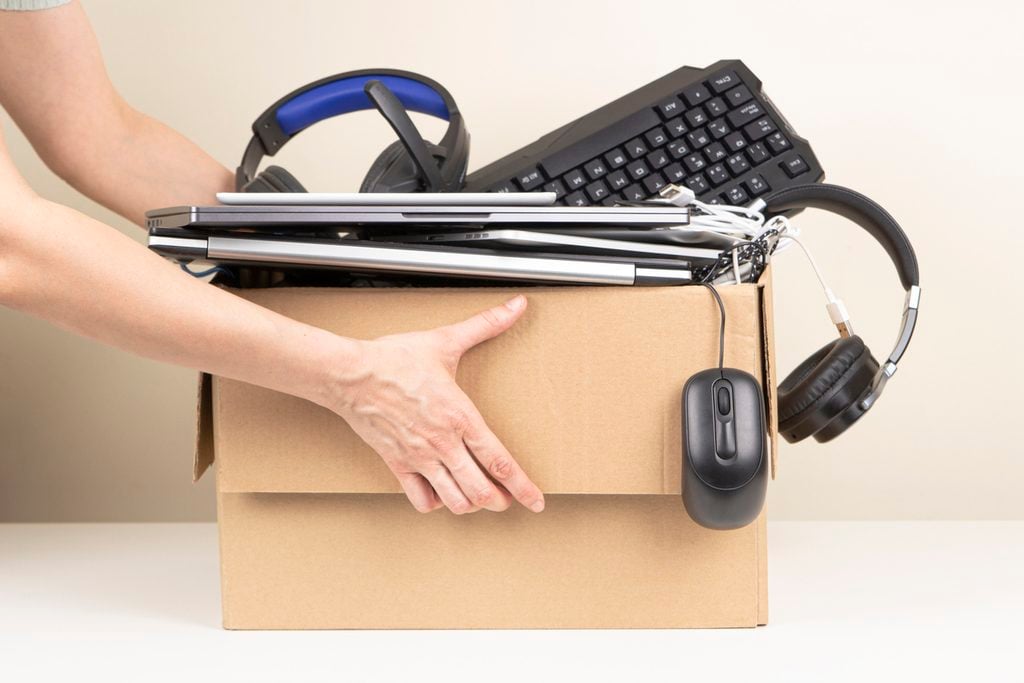
Electronics We Work With
Lincoln Pawn deals in a wide range of electronics, including:
- iPhones and other cell phones
- iPads and other tablets
- iPods
- PlayStation and Xbox consoles
- Computers and laptops
- Microphones, Speakers, and stereos
If you have something that isn’t on this list, give us a call and ask.
See the full list on our Electronics page.
Selling Electronics FAQ
What should I do before selling my iPhone? Back up your data, turn off Find My, and sign out of your Apple ID. Then do a factory reset and remove your SIM card.
Does Lincoln Pawn buy game consoles? Yes. Lincoln Pawn deals in PlayStation and Xbox consoles, along with phones, tablets, computers, laptops, speakers, and stereos.
Can I trade in my old device toward a newer one? Yes. Bring your trade-in to Lincoln Pawn, and the team can work out a deal toward a newer item.
Should I bring the charger? Bring it if you have it. Chargers, cables, and controllers can make a device more complete and more appealing to the next buyer.
Make Room for Something New
The best time to turn an old device into cash is usually before it gets any older. With a little preparation, you can protect your personal information, get your device ready, and walk in knowing what to expect.
When you’re ready, stop by Lincoln Pawn in Anaheim, CA to sell, pawn, or trade your electronics, or to find a pre-owned gift for someone on your list.
Lincoln Pawn
2673 W Lincoln Ave, Anaheim, CA 92801
(714) 229-5864
Monday through Friday, 10 AM to 6 PM. Saturday, 10 AM to 5 PM. Closed Sunday.
Lincoln Pawn: Out with the old tech, in with something better.